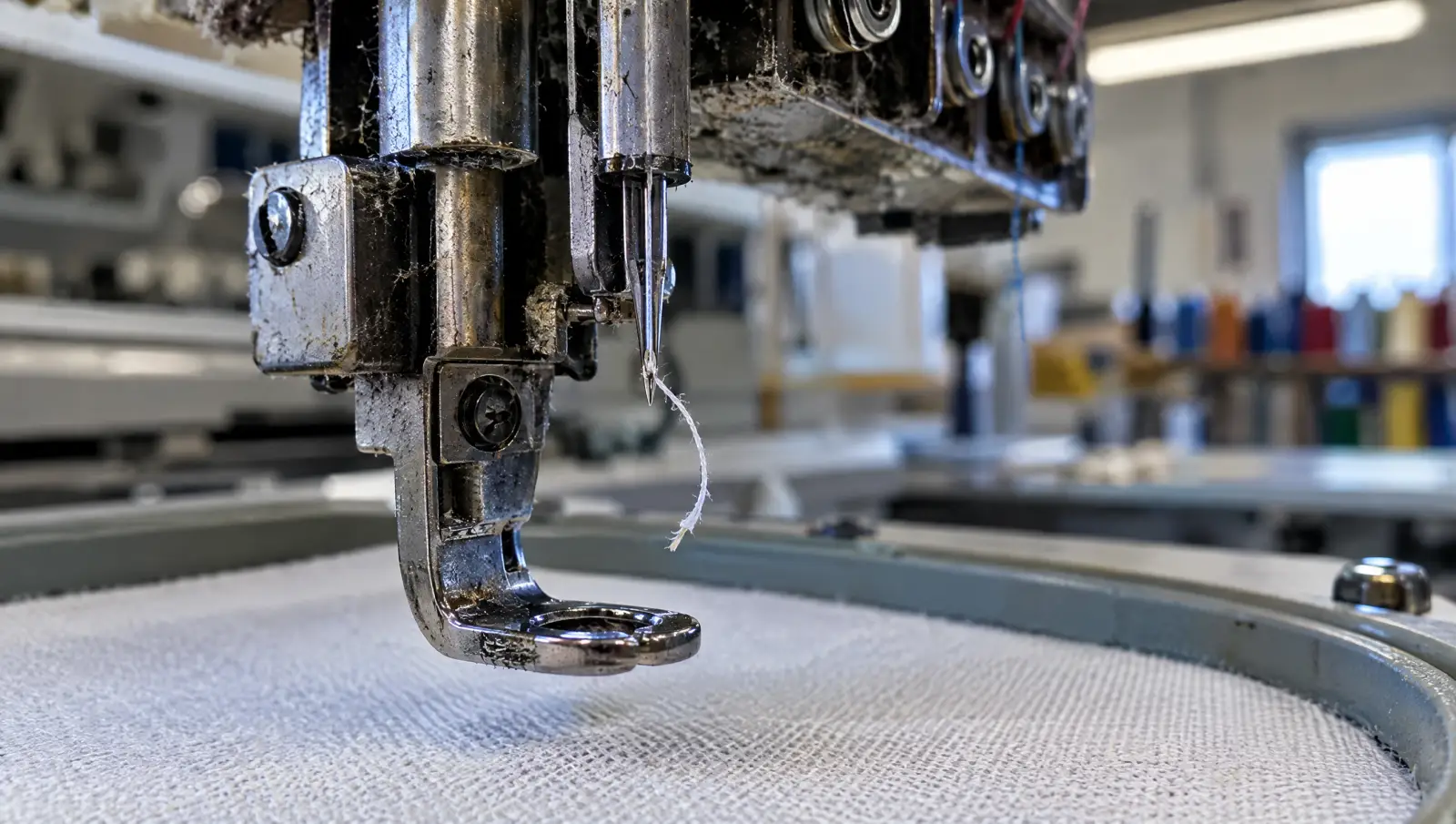
Why does my embroidery thread keep breaking?
Every thread break is the thread meeting more friction or strain than it can take. Where that strain comes from decides the fix, and it comes from one of two places:
- The file tells the needle to go through the same small spot too many times, or to make stitches too short for the thread to form a proper loop.
- The machine setup puts drag or damage on the thread before it ever reaches the fabric: a burred needle, tight tension, a missed guide, lint, or thread that has aged.
Madeira, who make embroidery thread, list improper threading, tension that is too tight and needle problems among the top causes of breaks, and add that poor digitizing can also be a major contributor. Brother's support pages for its embroidery machines list the same machine causes alongside embroidery data problems. So both sides are real, and the fastest route is to rule one out.
Re-thread the machine completely, fit a new needle and sew the design again on the same fabric and stabilizer. If the thread breaks at the same stitch in the design again, the file is the problem. If it breaks somewhere different each time, or not at all, the setup was the problem.
Which file problems cause thread breaks?
Brother lists these embroidery data problems as causes of upper thread breaking, and says they have to be corrected in the embroidery data, not on the machine:
- Density that is too high. Rows packed too close together force the needle through stitches it has just made. See how stitch density works for what the right spacing looks like.
- Very short stitches. Brother calls these stitches with an extremely small pitch, and stitches with a pitch of zero, where the needle goes down in the same hole twice. Both usually come from tiny details, tight curves and small text.
- Stacked stitches. Brother names three or more overlapping stitches as a cause. This happens when a fill is sewn completely underneath another fill, or when several objects meet at one point.
Two other file habits make it worse. Shrinking a design on the machine packs the same stitches into less space, which raises density everywhere; see why a design sews at the wrong size. And lettering digitized too small for the thread piles short satin stitches together; see small embroidery text filling in.
Before sewing, you can spot many of these on screen. Open the file in our free DST file viewer, play it stitch by stitch and watch where it slows into a tight cluster: that is usually where the thread will break.
Which machine problems cause thread breaks?
- Needle: a bent, blunt or burred needle, a needle not fully inserted or facing the wrong way, or adhesive on the needle (Brother). Madeira puts the average life of an embroidery needle at about 8 hours of running time, and recommends matching the needle size to the thread.
- Tension: upper tension that is too tight strains the thread until it snaps. Madeira points to its 1/3, 1/3, 1/3 rule for checking whether top tension is too tight.
- Thread path: a missed guide, a knot, lint in the tension discs, or burrs and nicks on the hook, needle plate or thread guides (Brother, Madeira).
- Thread quality: old, badly stored thread weakens. Madeira advises storing thread in cool, dry conditions away from strong light.
- Speed and specialty threads: Brother recommends slowing the machine for metallic thread.
- Bobbin and hooping: a badly wound bobbin, the wrong bobbin, or fabric that is not taut in the hoop (Brother, Madeira).
How do I tell which cause it is?
| What you see | Most likely cause | Try first |
|---|---|---|
| Breaks at the same spot in the design every run | File: dense area, stacked objects or very short stitches | Check the spot in a viewer; have the file edited |
| Breaks in small lettering or fine detail | File: satin columns too narrow or too short for the thread | Enlarge the text or rebuild it for its size |
| Breaks got worse after resizing the design | File: density raised by shrinking | Go back to the original size or a rebuilt file |
| Breaks at random places | Machine: threading, tension or thread | Re-thread, check tension, try a fresh cone |
| Thread shredded or frayed at the break | Machine: burred needle, needle plate or hook | New needle, then inspect the needle plate |
| Breaks on one needle of a multi-needle head only | Machine: that needle's thread path or tension | Compare its threading with a needle that runs clean |
| Breaks only with metallic or specialty thread | Machine speed and needle, sometimes file density | Slow down; ask for a lighter file for that thread |
Keep a note of where each break happens. A cluster of breaks at one stitch number is the clearest evidence you can send a digitizer.
How is a file that breaks thread fixed?
File causes are fixed by editing the objects, not by nudging the stitches in a machine file. The digitizer reduces density in the problem area, removes the hidden layer where two fills are stacked, deletes or merges tiny stitches, and widens or simplifies small details so the stitches are long enough to sew. That is far easier from the original working file than from a DST, because a stitch file keeps no objects; see what a DST file stores.
If you only have the machine file, it can still be repaired or rebuilt. Send it with a note of where the breaks happen, and the fabric and thread you are using. For other sewing problems, the embroidery troubleshooting hub maps each symptom to its fix, and our guide to checking an embroidery file before sewing shows what to look for before the first run.
File not sewing right? Send it to us
We fix or rebuild broken, auto-digitized or third-party files, quoted after a free file check. A file that was auto-converted in the first place is usually cheaper to rebuild than to patch.
Fix my embroidery file → Or have it digitized from scratch →Frequently asked questions
Sources
- Madeira USA: why does my thread break or fray?
- Brother Support: why does the upper thread keep breaking? (PR-600II)
- Brother Support: why does the upper thread keep breaking? (PR1050X)
Sources checked 19 September 2026 .